

Bundle same-day subscription orders
What this setting does
Same-Day Order Bundling combines multiple subscription renewals for the same customer that bill on the same day into a single order. This helps reduce duplicate shipping charges, fewer transactions, and cleaner order history for customers.
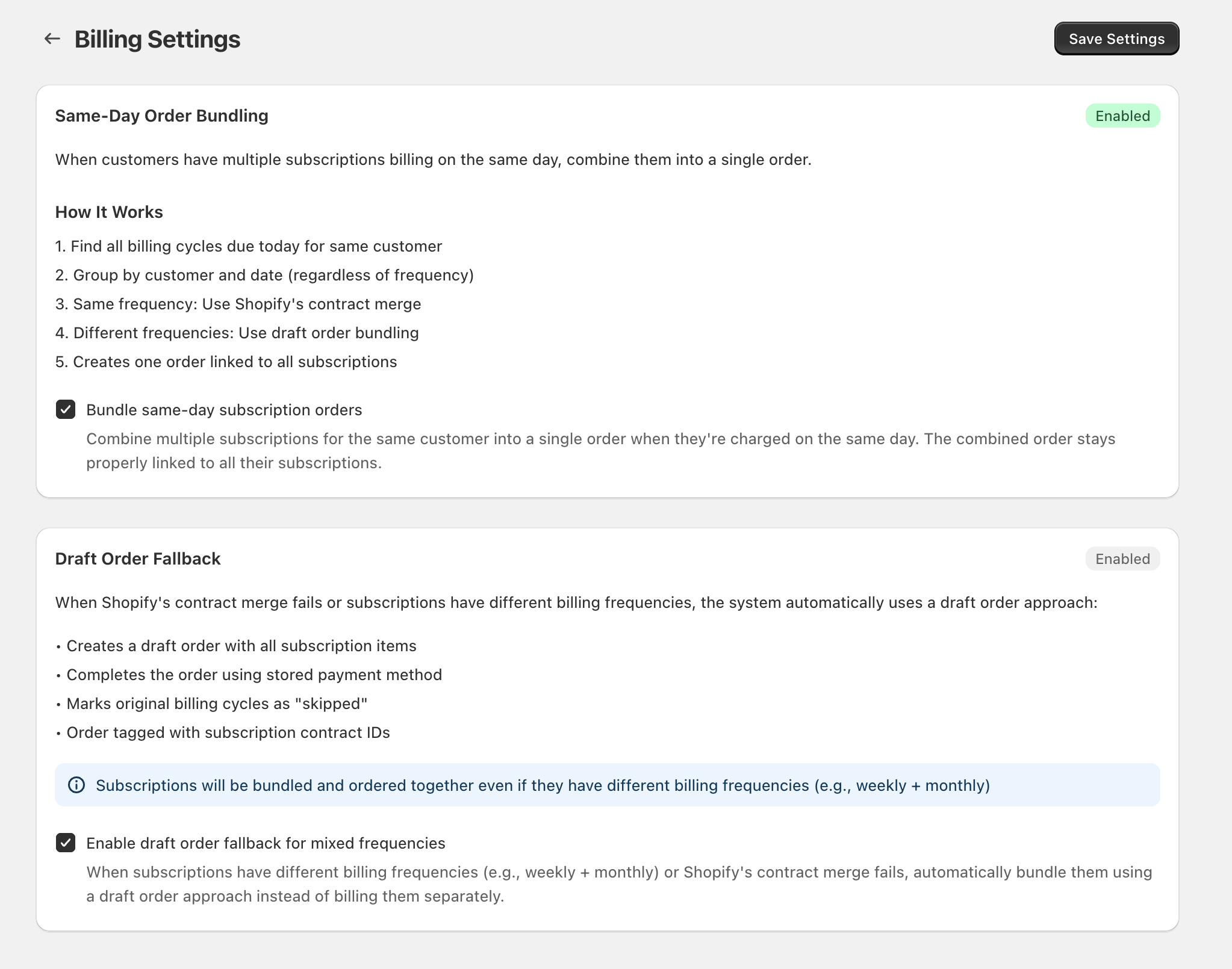
Turn on same-day order bundling
How it works (behind the scenes)
When this is enabled, the app processes billing like this:
- Finds all billing cycles due today for the same customer.
- Groups charges by customer and date (regardless of subscription frequency).
- If the subscriptions share the same billing frequency, it uses Shopify's contract merge to create a combined order.
- If frequencies differ (or the merge fails), it can switch to a draft order approach (when enabled).
- Creates one order that stays linked to all included subscriptions.
Draft Order Fallback (recommended for mixed frequencies)
The Draft Order Fallback section controls what happens when Shopify’s contract merge can’t be used (commonly due to mixed billing frequencies).
When Enable draft order fallback for mixed frequencies is checked, the app will:
- Create a draft order with all subscription items that are due that day
- Complete the order using the stored payment method
- Mark the original billing cycles as skipped (so customers aren’t charged twice)
- Tag the order with the relevant subscription contract IDs
What to expect after enabling
- One order per customer per day when multiple subscriptions renew on the same date.
- The combined order remains properly linked to each subscription included in the bundle.
- Your settings show an Enabled status pill when active.
No. Bundling combines charges that already fall on the same date. Each subscription keeps its own schedule; bundling only affects how orders are created when dates overlap.
If Enable draft order fallback for mixed frequencies is on, the app automatically bundles using a draft order method instead of billing separately.